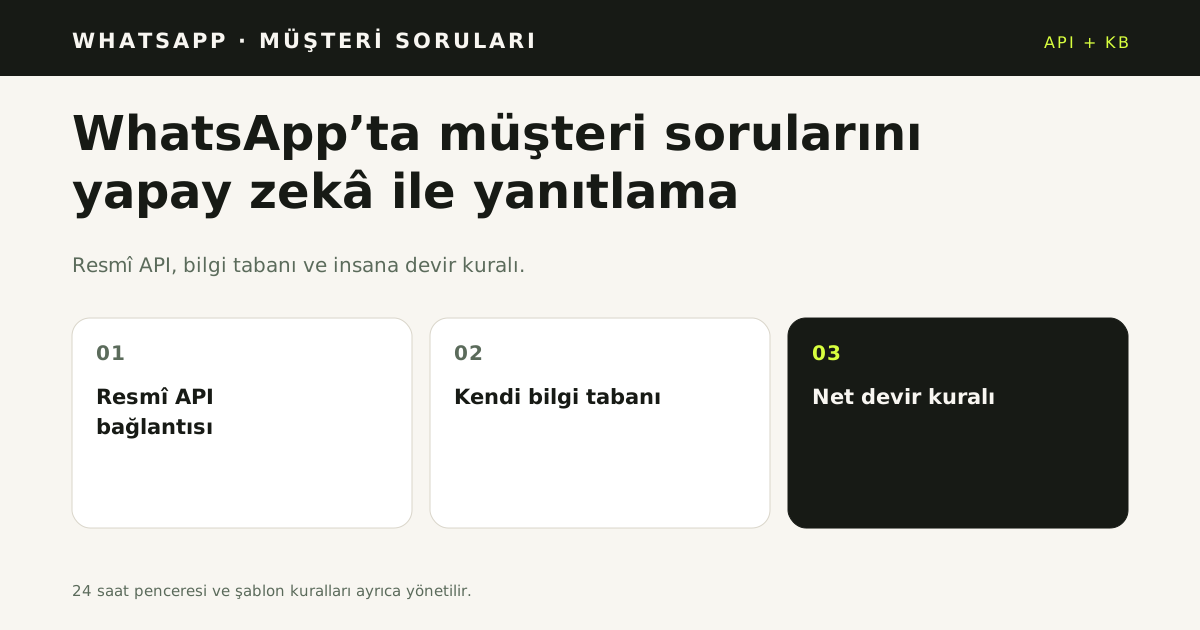
Answering WhatsApp questions with AI is a support flow built from the official API, a knowledge base and a handover rule. For many businesses, WhatsApp is where the first customer question arrives. As volume grows, more people look at the same number, yet message history, ownership and unresolved questions are hard to track. This guide covers what you need to answer WhatsApp questions with AI, when to hand over to a human, and what to measure.
Quick answer
Answering on WhatsApp with AI has three parts: an official WhatsApp Business API connection, your own knowledge base, and a clear human-handover rule. Without all three, automation is just canned replies.
Why questions pile up
The bottleneck is usually infrastructure, not the team. If several people cannot access the same number, if message history stays on a personal phone, and if nobody is alerted when a new question arrives, questions wait. The WhatsApp Business app is designed for one phone; it becomes a bottleneck as the team grows.
The WhatsApp Business API connects the number to a system. Multiple team members can see the same conversations, and incoming messages can be routed to an AI or a business rule. The API is infrastructure, not an app with a screen.
What AI should answer, and what it should hand over
The goal is not to remove humans but to reduce repetitive work. A good setup answers:
- Product features, sizing, materials and usage
- Shipping, delivery and return conditions
- Opening hours, address and contact details
- Order status, once verification is complete
Hand over when:
- The customer explicitly asks for a human
- The knowledge base has no answer
- The message is a complaint, objection or sensitive topic
- A custom discount, negotiation or case-specific solution is needed
Handover should include the conversation context, not a vague "I don't know". The agent should not have to read the whole thread from the start.
Why do you need a knowledge base?
A generic chatbot does not know your business. Answers are only as good as the written, current source. A knowledge base can include:
- Product and FAQ pages from your website
- PDF catalogs and price lists
- Hand-written question-and-answer texts
- A sitemap
Critical facts such as price, returns, delivery and warranty should go through approval. The system must not invent a phone number or address that is not in the source; one wrong contact detail can break trust.
What is the 24-hour window, and what are templates?
WhatsApp allows replies to a customer-initiated conversation inside the 24-hour customer service window. Outside that window, business-initiated messages require Meta-approved templates and recipient consent. Sending unsolicited bulk messages can lead to account restrictions.
Treat automation as a layer that answers incoming questions, not a tool that messages everyone. Meta's pricing depends on conversation categories; current terms belong in the official WhatsApp Business Platform documentation.
Which five steps set it up?
- Complete a Meta Business account and business verification.
- Prepare the number for the API. It must not be active in the WhatsApp app; app access ends after migration.
- Load your knowledge base. Start with website pages, PDFs and FAQ texts.
- Write the handover rule. Define which questions go to a human and who is notified.
- Test. Ask real questions from your own number and feed wrong or missing answers back into the knowledge base.
The technical connection can take a few days; keeping the knowledge base correct and current is the ongoing work.
What limits apply to WhatsApp automated replies?
WhatsApp automated replies follow the 24-hour rule and template approval. If the customer wrote within the last 24 hours, a free-form reply is allowed; after that window, an approved template is required. Meta approves the template text and variables, and an unapproved template cannot be sent. WhatsApp Cloud API documentation defines both rules [1]. They stop automation from being designed as "write anything, anytime".
Template approval belongs to the business and the timing depends on Meta. While approval is pending, keep an alternative channel open, such as email or web chat. When every channel reads the same knowledge base, the customer still gets a consistent answer after the WhatsApp window closes.
How do you connect the WhatsApp channel?
The WhatsApp inbox connects through the official Business API. The number is verified, the business profile is completed and message templates are submitted for approval. Live traffic does not start before the connection is complete; a test number allows only limited trials.
Write three things down before launch: which questions the assistant answers, when a conversation goes to a person, and who approves templates. Without those three, the technical connection works but daily operations stay unclear. A weekly review of unanswered WhatsApp questions keeps the knowledge base useful. Read what WhatsApp Business API is for the connection steps and template rules. The same WhatsApp knowledge base should serve web chat and email, so the answer does not change when the customer switches channel. Personal data processing falls under KVKK [2].
What to measure
Four measures are enough to see whether automation works:
- Average first response time: from question to first reply.
- Unanswered question rate: unanswered questions as a share of all questions.
- Automated resolution rate: conversations closed without human involvement.
- Repeated-question mix: which topics keep coming back, and where to invest in the knowledge base.
Review them monthly. That produces a concrete improvement plan instead of an unmeasurable "reply faster" goal.
Which mistakes are common?
One: turning on automation without a handover rule. The AI then tries to answer even when it is unsure.
Two: not updating the knowledge base. When a campaign ends or a shipping time changes, stale information produces wrong answers.
Three: not measuring. You cannot improve what you do not measure.
Four: treating automation as a replacement for people. The aim is to reduce repetitive work and leave complaints and sensitive cases to humans; related articles: Telegram customer support, selling with AI in Instagram DMs.
Sources
- [1] WhatsApp Cloud API documentation — Meta — https://developers.facebook.com/docs/whatsapp/cloud-api — Accessed: 14.11.2026
- [2] Personal Data Protection Law and guidance — KVKK — https://www.kvkk.gov.tr/ — Accessed: 14.11.2026
Frequently asked questions
What does answering WhatsApp questions with AI mean?
It combines an official WhatsApp Business API connection, the business knowledge base and a clear handover rule. The assistant uses recorded facts from the knowledge base. When it is unsure, it hands the conversation to the team.
How is the API different from the WhatsApp Business app?
The API is a programmatic interface, not an app. It connects a number to a system so several people and an AI can work on the same conversations. The app is built for one phone and becomes a bottleneck as the team grows.
What is the 24-hour window?
If the customer wrote within the last 24 hours, a free-form reply is allowed. After that window, an approved template is required. Meta approves the template text and variables.
Which questions go to a person?
A person takes over when the customer asks, the knowledge base has no answer, the topic is a complaint or sensitive, or a special discount is needed. The handover carries the conversation context and a summary. The team does not read from the start.
Which metrics should you track?
Track first response time, automated resolution rate, handover rate and reason, repeated-question rate and satisfaction. Message volume alone is not enough. Split metrics by channel and topic.